
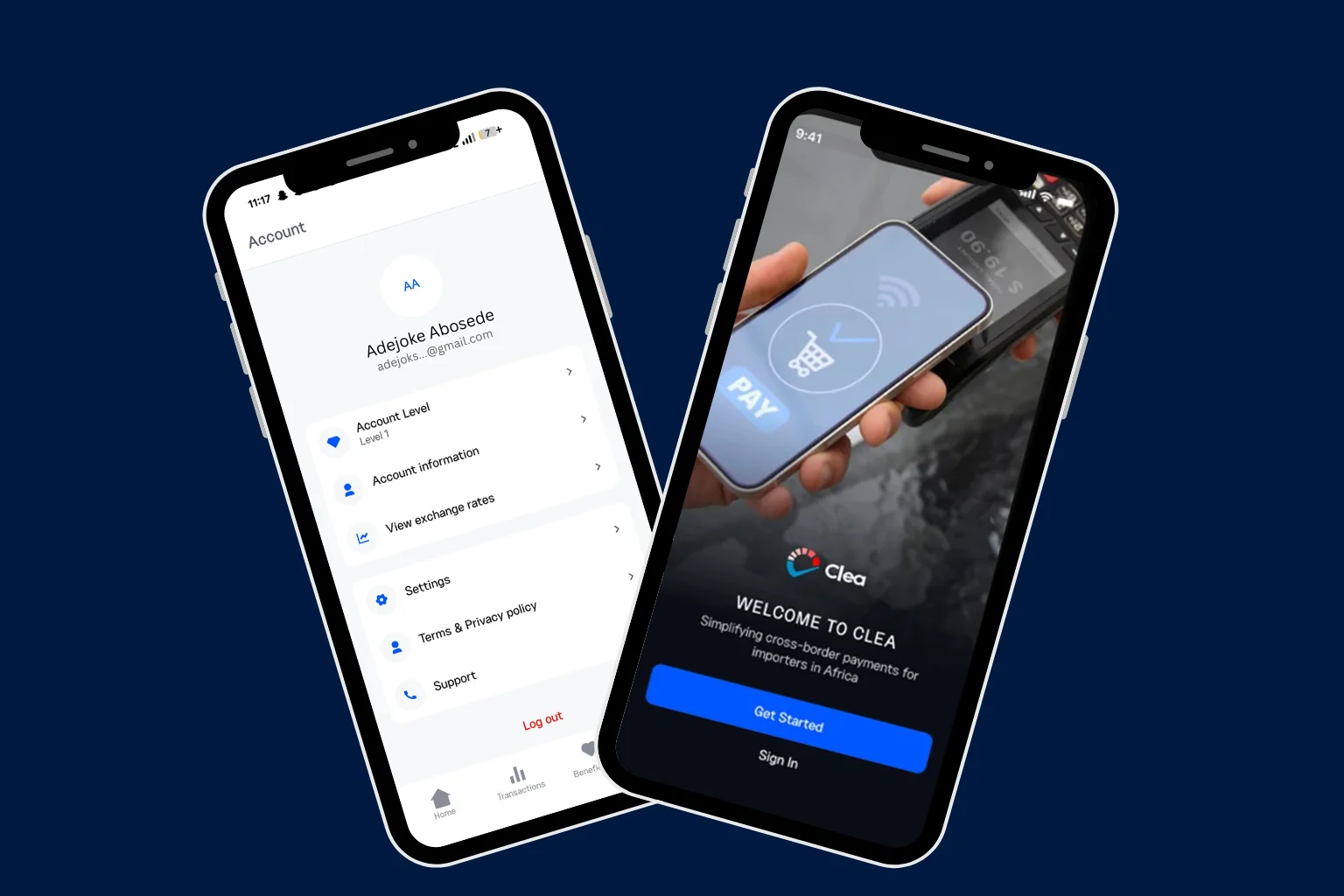
Your Clea experience begins with a quick download. In just a few steps, you can install the app on your phone and get started with Clea’s features.
What Is Clea?
Clea is a digital payment platform built specifically for African importers. It lets you pay auto auction platforms like Copart and IAAI, international suppliers, and shipping agents directly from your phone, in your own business or personal name.
You fund your wallet in naira, convert at competitive rates, and send secure cross-border payments without the usual banking delays or FX headaches.
The Clea app is free to download on both Android and iOS.
To download, make sure you have the following:
- A smartphone running Android 7.0 or later, or an iPhone running iOS 15.1 or later.
- A stable internet connection (Wi-Fi or mobile data).
- Enough storage space on your device (the app is lightweight, so this should not be an issue for most phones).
How to Download the Clea App
For Android Users:
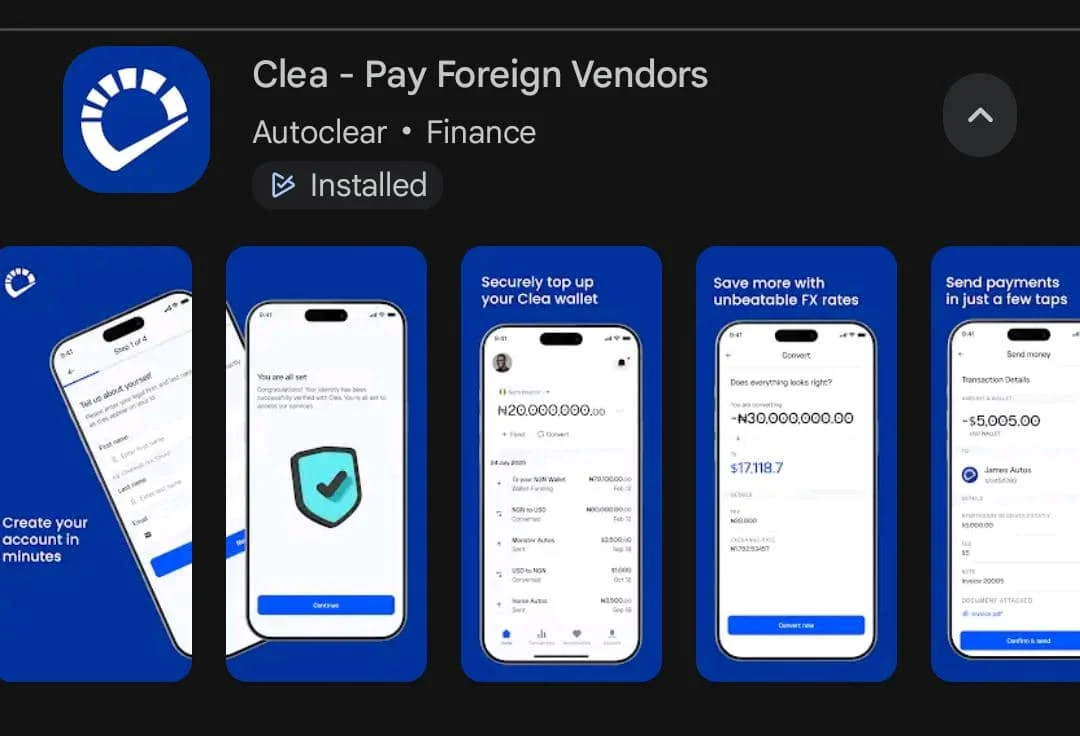
- Open the Google Play Store on your Android phone or tap here to go straight to Clea on Google Play Store.
- Tap the search bar at the bottom of the screen and type Clea or Clea Pay Foreign Vendors.
- Tap the Install button. The app will begin downloading and installing automatically.
- Once the installation is complete, tap Open to launch the Clea app.
For iOS Users:
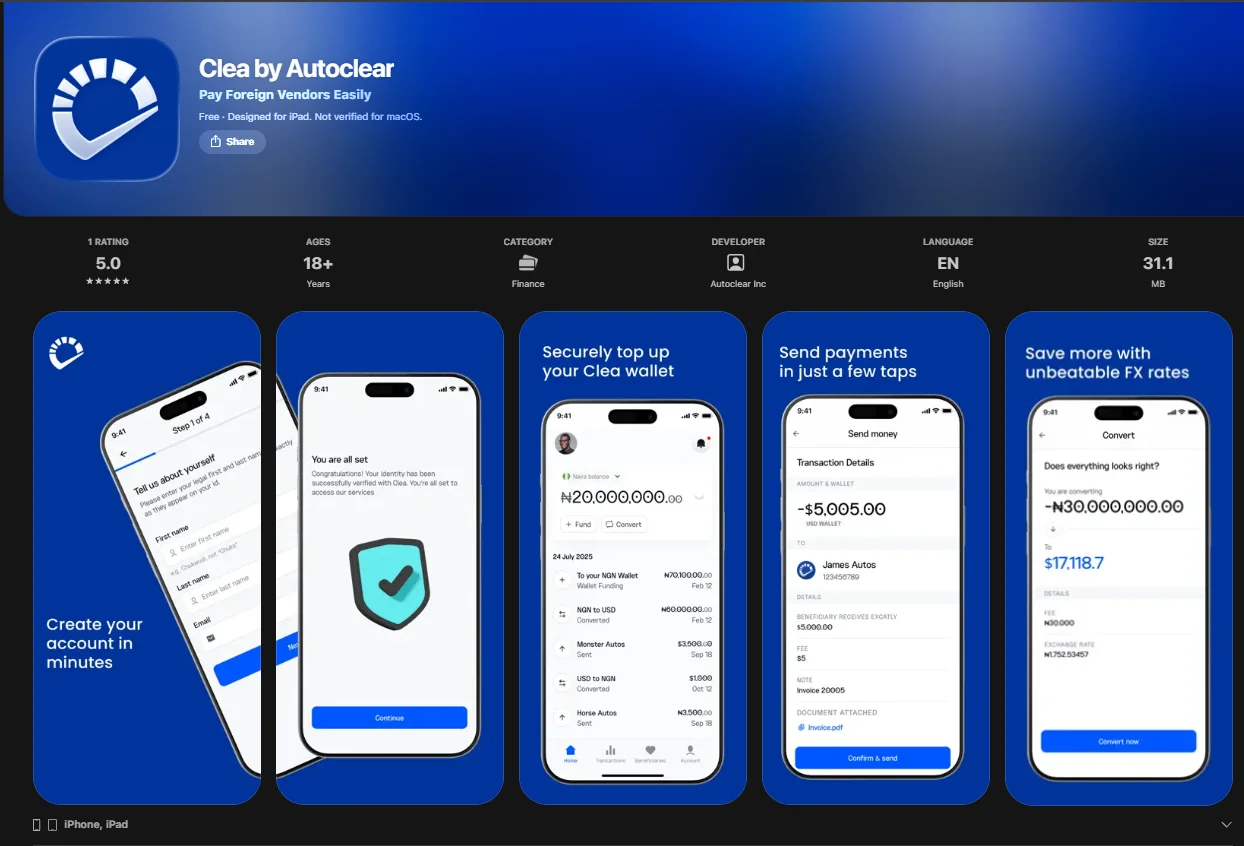
- Open the App Store on your iPhone or tap here to go straight to Clea on the App Store.
- Tap the Search tab at the bottom of the screen and type Clea by Autoclear.
- Find the app in the search results and tap Get or the download icon next to the Clea app.
- Enter your Apple ID, Face ID, or Touch ID to confirm the installation if prompted.
- Once the download is complete, tap Open to launch the app.
Once the app is installed on your phone, you can open it and sign in or create an account.
Common Troubleshooting Issues
Can’t find the app in your search results?
Try searching for “Clea Pay Foreign Vendors” on Android or “Clea by Autoclear” on iPhone. If it still doesn’t show up, double-check that your app store region is set to Nigeria.
Download keeps failing or getting stuck?
This is usually a network issue. Switch between Wi-Fi and mobile data and try again. Also, make sure you have enough storage space on your phone.
App crashes right after opening?
Update your phone’s operating system to the latest version, then uninstall and reinstall the app.
If you’re still running into issues, reach out to us at [email protected].
Tips for Using the Clea App Safely
- Use a strong and unique password
- Keep your login details private
- Use secure internet connections
- Review details before confirming transactions.